中文 | EN

更新时间:2024-06-27

How To Set Up The Parameter Of A Report?


Customize the report tile


Open a printing window


Revise the report tile


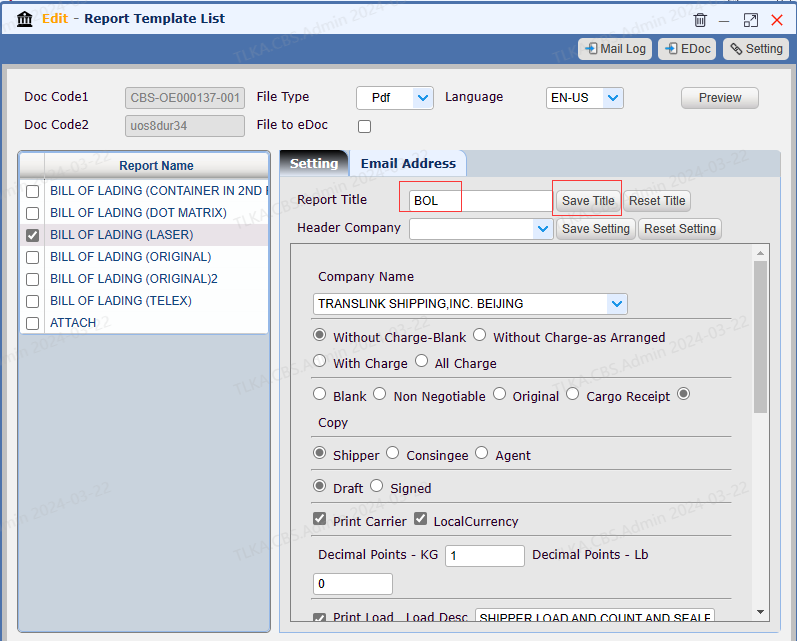
Enter new【Report  Title】, then click【Save Title】button,the new report title will replace the old one

 |* * Below example, the old title Bill of Lading will be replaced by BOL


image.png


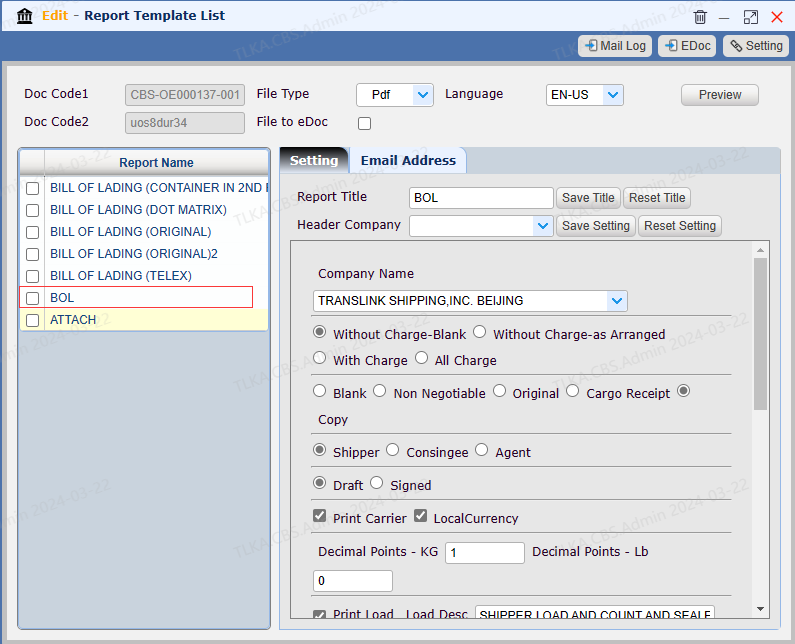
The report title was changed to BOL


image.png


Reset the revised title


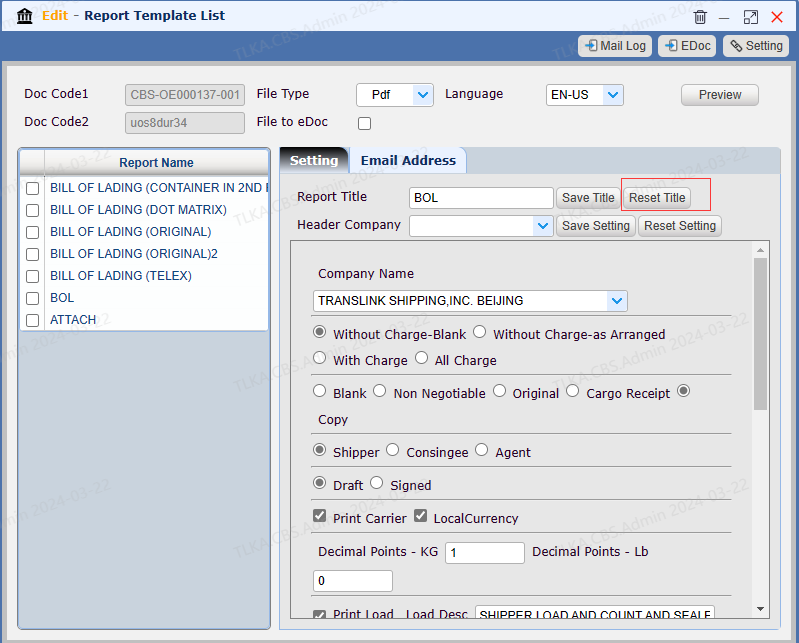
Click【Reset Title】button can reverse the change


image.png


Customize parameter of a report


Open a printing window


Save default parameter


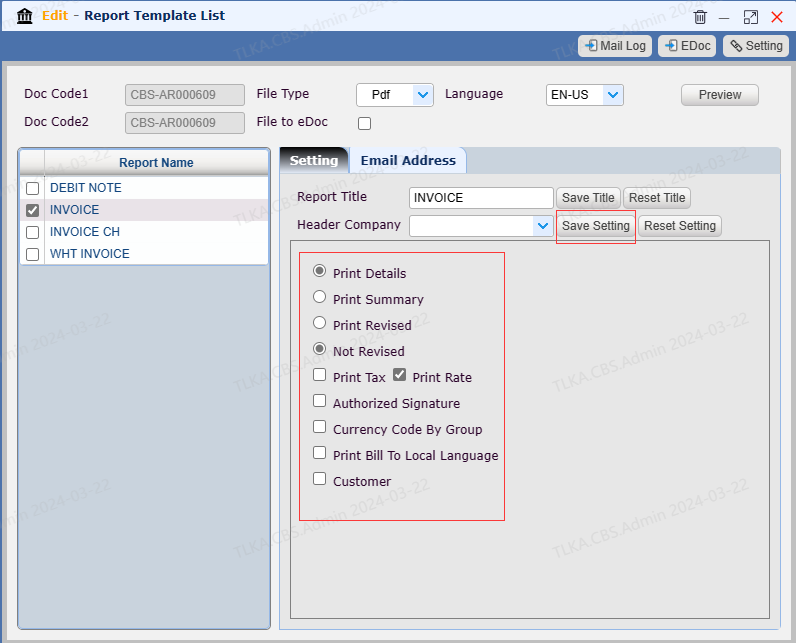
  1. Tick the parameter options, click 【Save Setting】button,then these parament will be saved as default options

  2. 【Reset setting 】can reverse the change


image.png


How To Hide A Report


Open a printing window


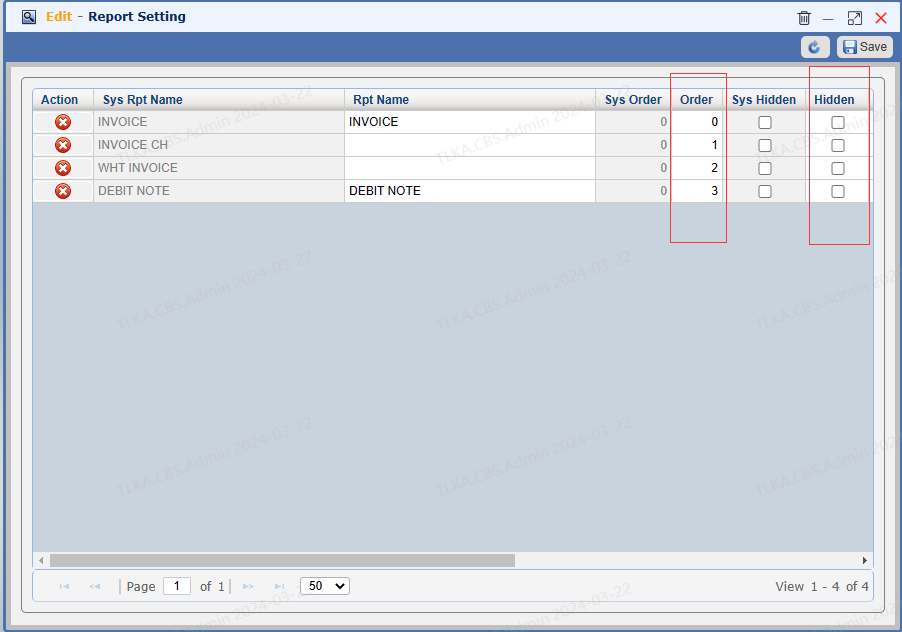
Hide Reports


  1. 【Order】column, the number indicates the arrangement of a report.  Change the number can re-rank the reports.

  2. If hidden column is ticked, the report will be hid

  3. If any change, click Save button to effect it


image.png