Go To Menu 【Reports and Statistics > Query A/R Summary】
|
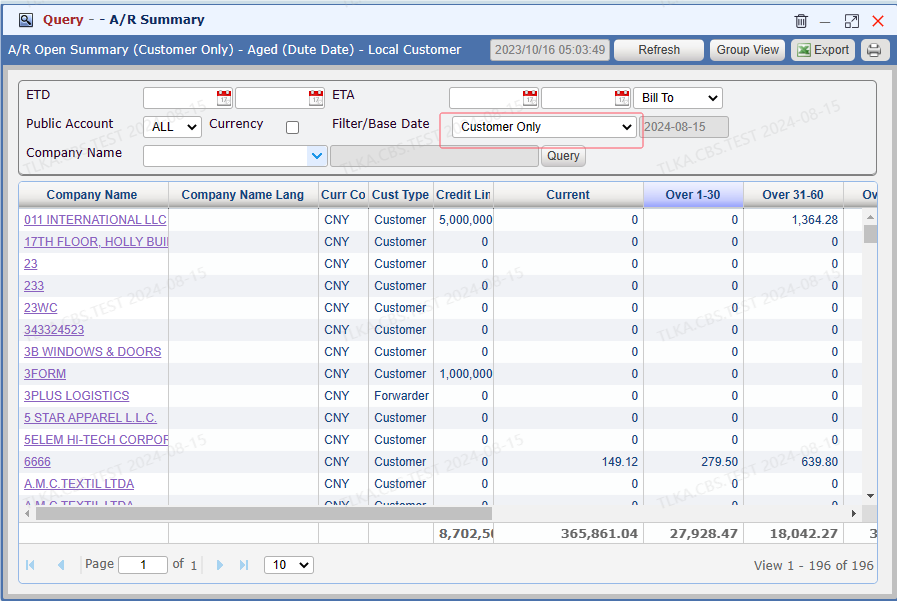
Query A/R Summary
Users can select different filter to run the summary Customer Only Only Agent
All Customer (Customer + Agent) Click 【Refresh】 to get the most updated data Click the Company Name, it will open the oustanding list
|
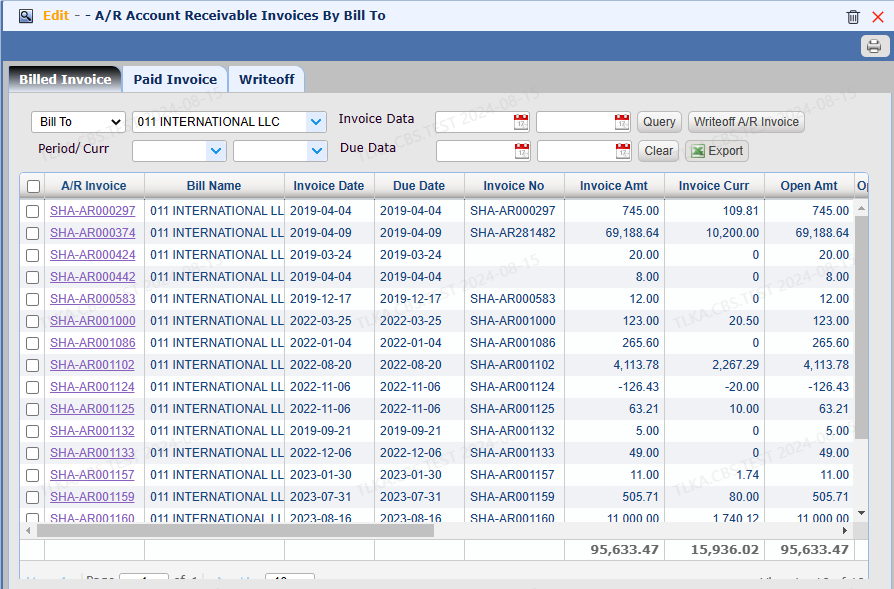
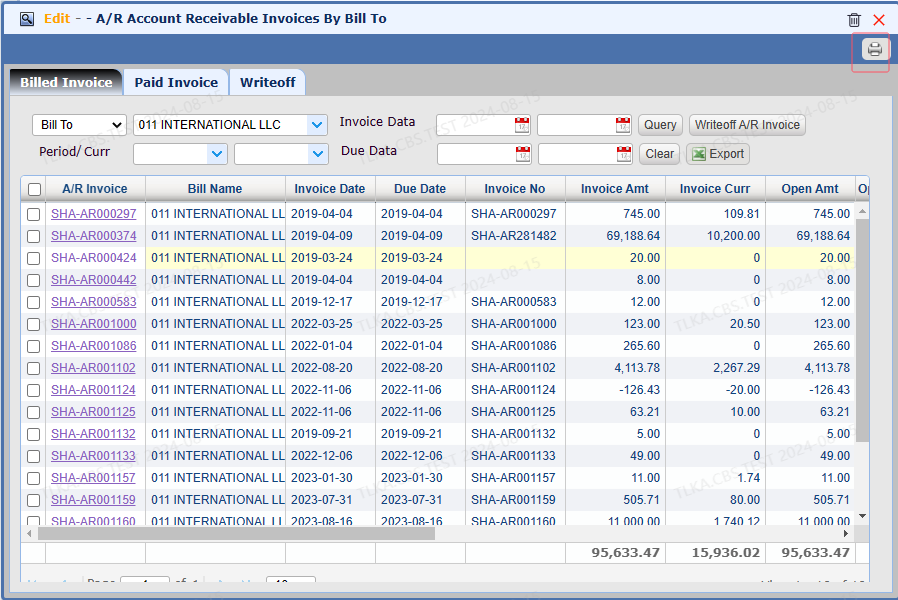
A/R Invoices-By Bill To
【Billed Invoice】 lists all unpaid AR invoices
|
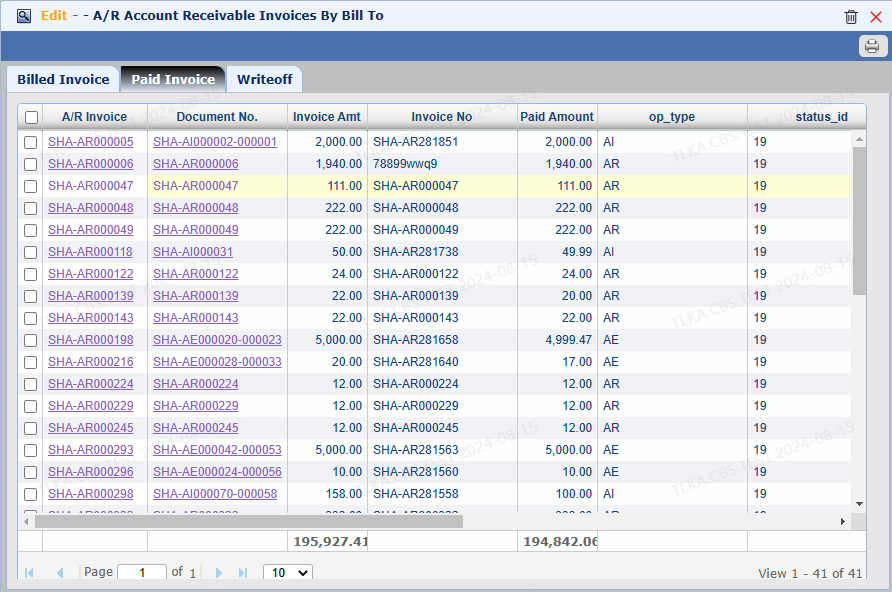
Paid Invoice
【Paid Invoice】 lists all paid A/R invoices
|
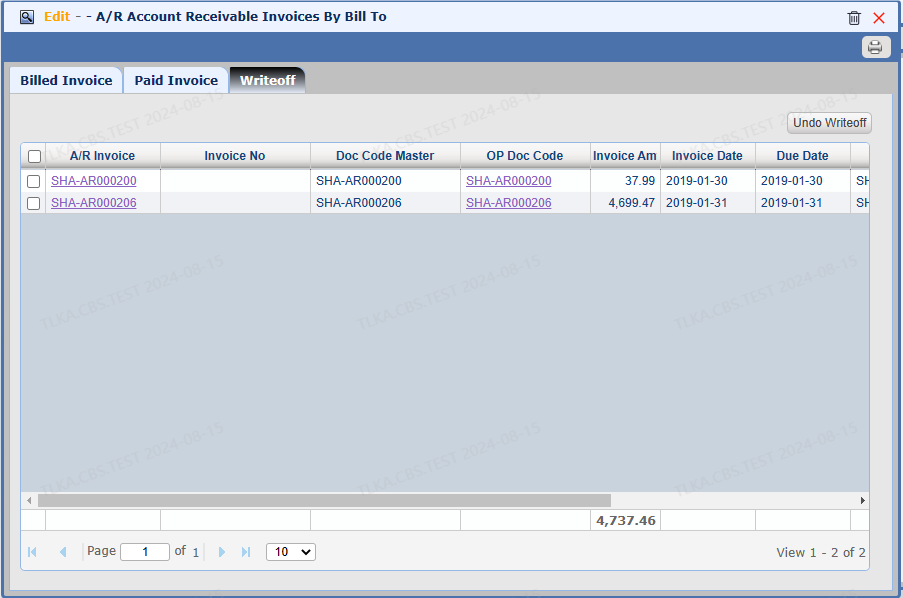
Writeoff Invoices
【WriteOff】 lists all writeoff invoices If need to undo the writeoff, select the invoice, click 【Undo Writeoff】
|
Statement Of Account
Click 【Printer】 to print statement
|
