How To Send Collect and Pay Invoice?
Through EDI channel, the Collect and Pay invoice can be sent to other branches by clicking one button which will eliminate lots of manual workload.
Open An A/R Invoice
|
Send Out Invoice Via EDI
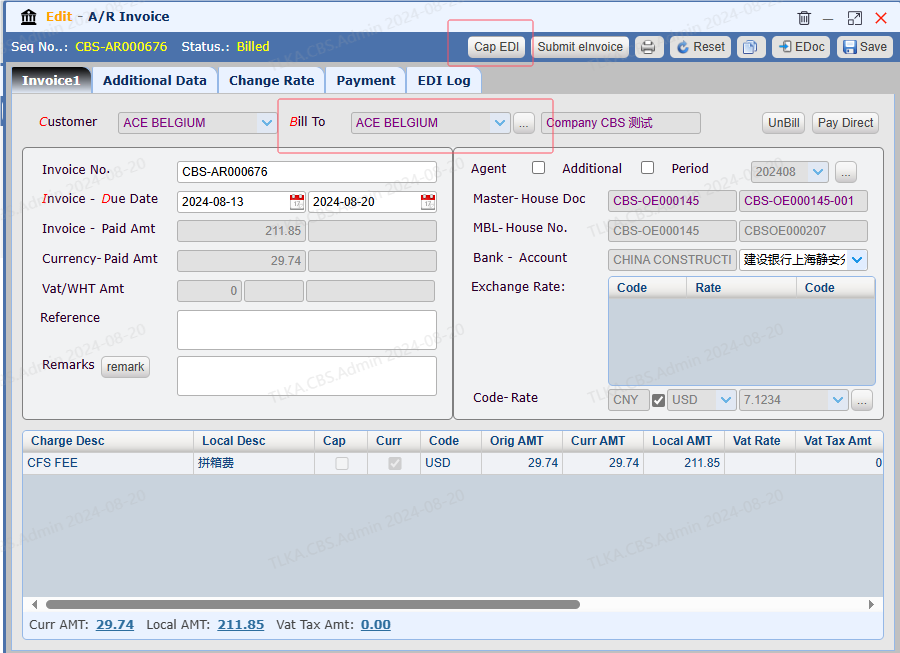
If the Bill To is a third party, you can click [...] to select a different bill to Click button 【Cap EDI】 System will send the invoice to Bill To * * EDI Code must be assigned to Bill To prior to transmission
Bill To side will receive an A/R invoice and an A/P invoice Once Bill To company receives the payment from the customer, they will offset AR invoice, then pay the money back to the requester Once the requester receives the payment, they will offset AR invoice
|
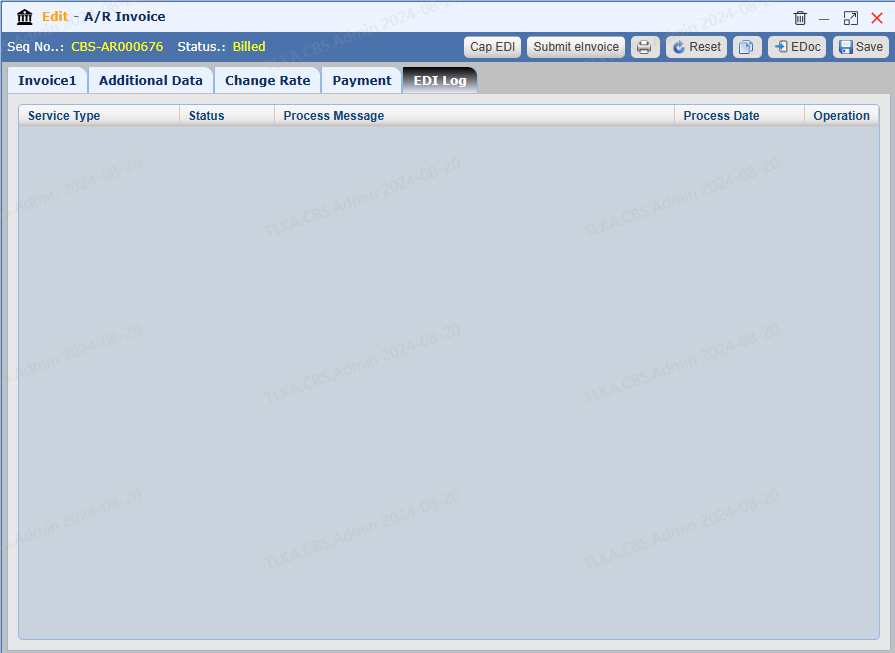
| EDI Log
EDI Log records the EDI transmitting details
|

