更新时间:2024-08-20
With E-invoice function, users can transmit invoice data to Vietnam E-invoice Platform ( BKAV)
Open An A/R Invoice |
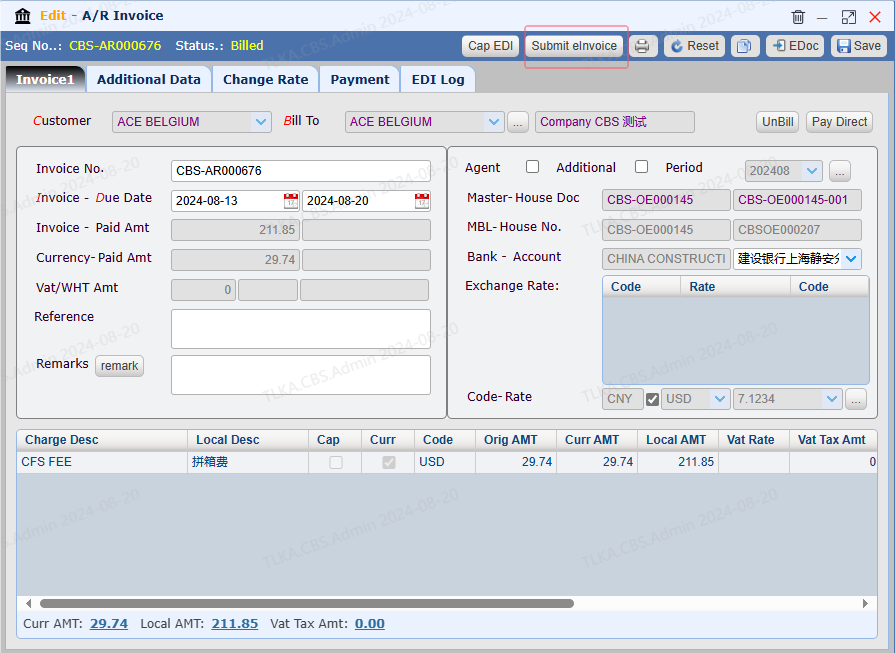
Submit E-invoice
|
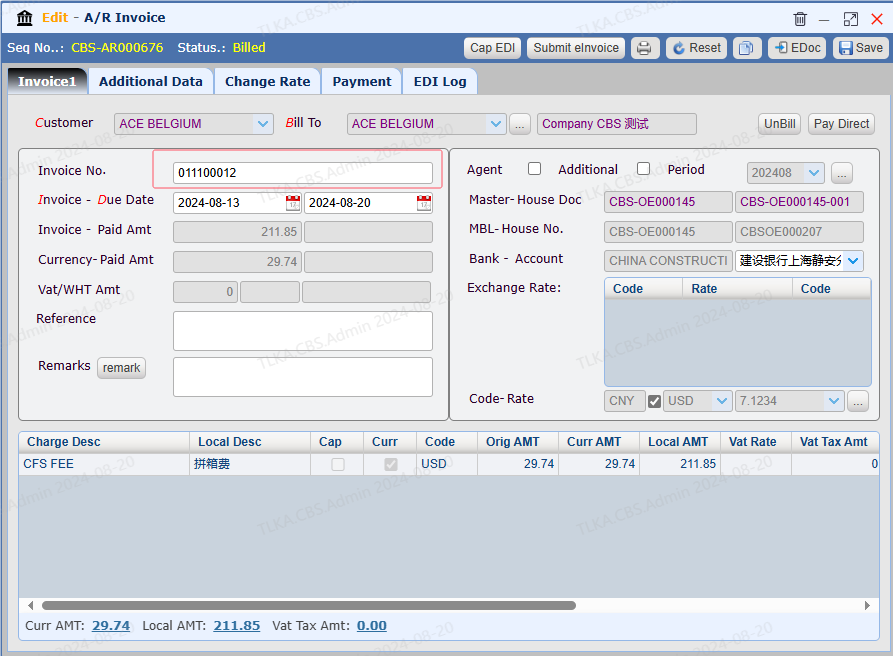
| Return The Tax Invoice Number Once the tax invoice is issued, the tax invoice platform will overwrite the formal tax invoice number into system.
|
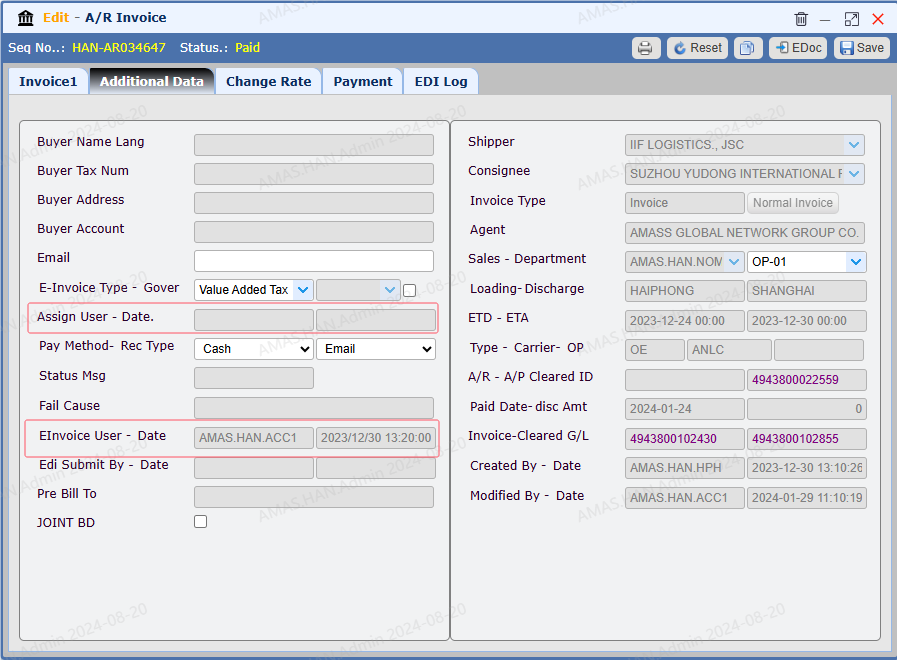
View E-invoice Details Once the tax invoice is issued, users can check more details on 【Additional Data】
|
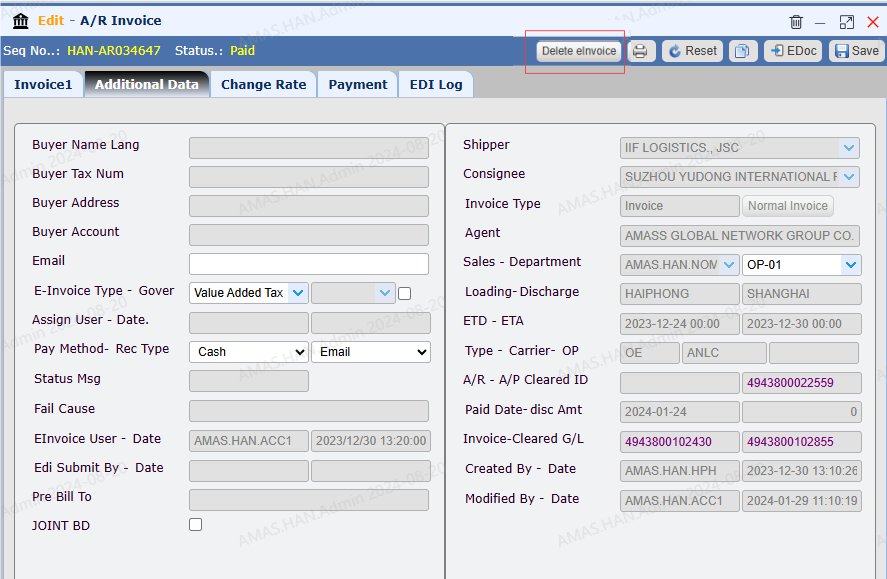
Amend or Cancel Tax Invoice Once E-invoice is submiited,if need to amend or cancel the invoice, click 【Delete eInvoice】, it will:
|