更新时间:2024-08-01
Go To Menu 【 Bank > Bank Reconciliation】 |
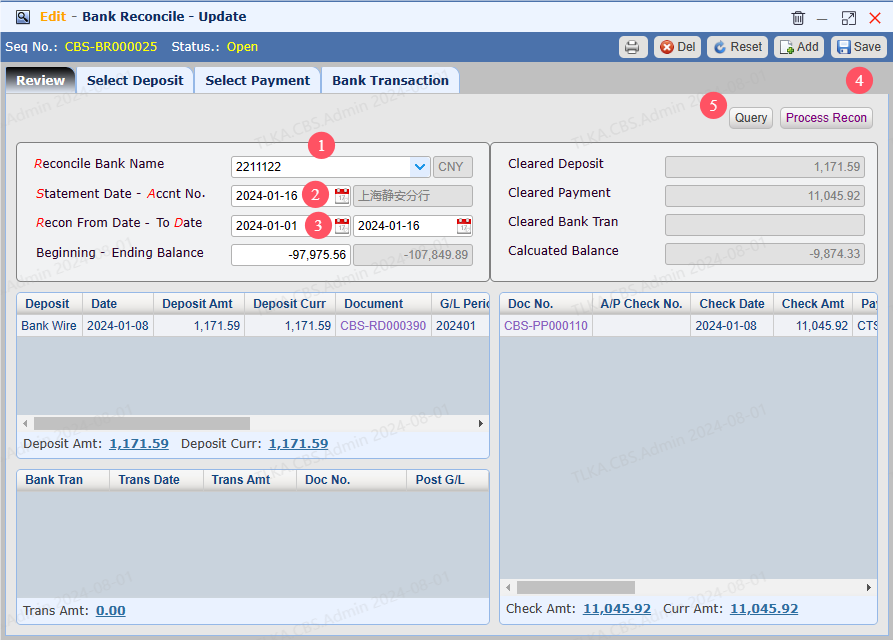
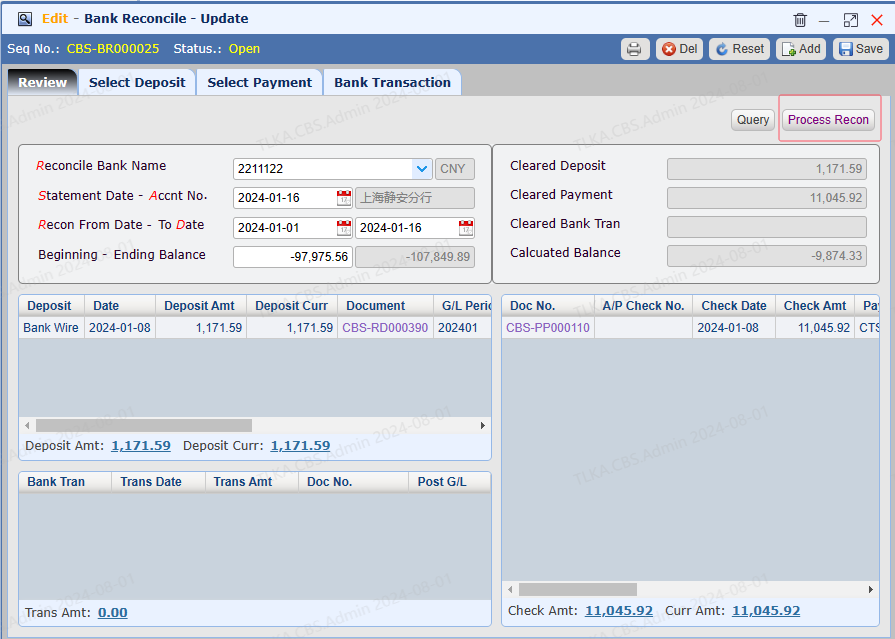
Record Reconcilation Details
|
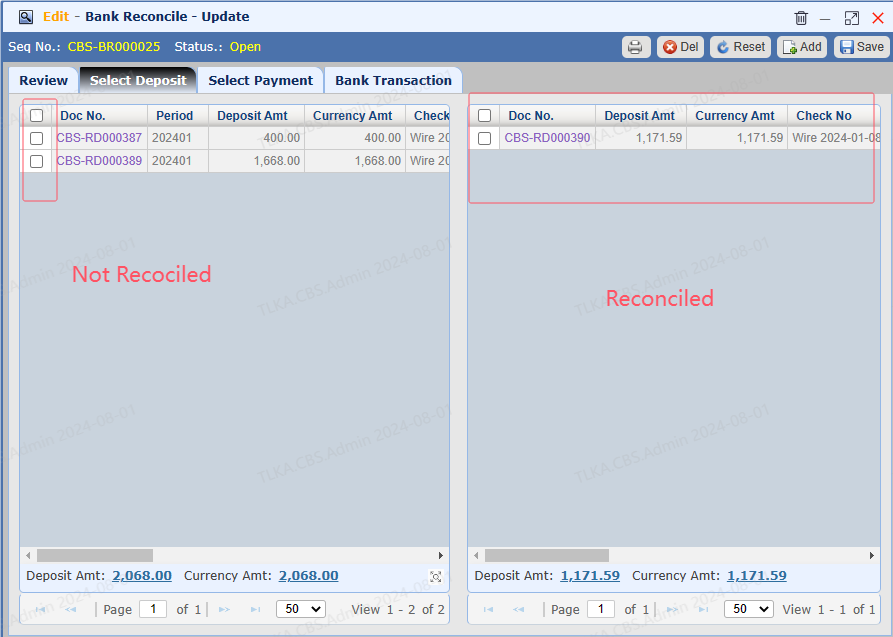
Select Deposit 1. Left deposit is not reconciled with bank, right deposit is reconciled with bank 2. Tick the deposit on the left, system will move it to the right side
|
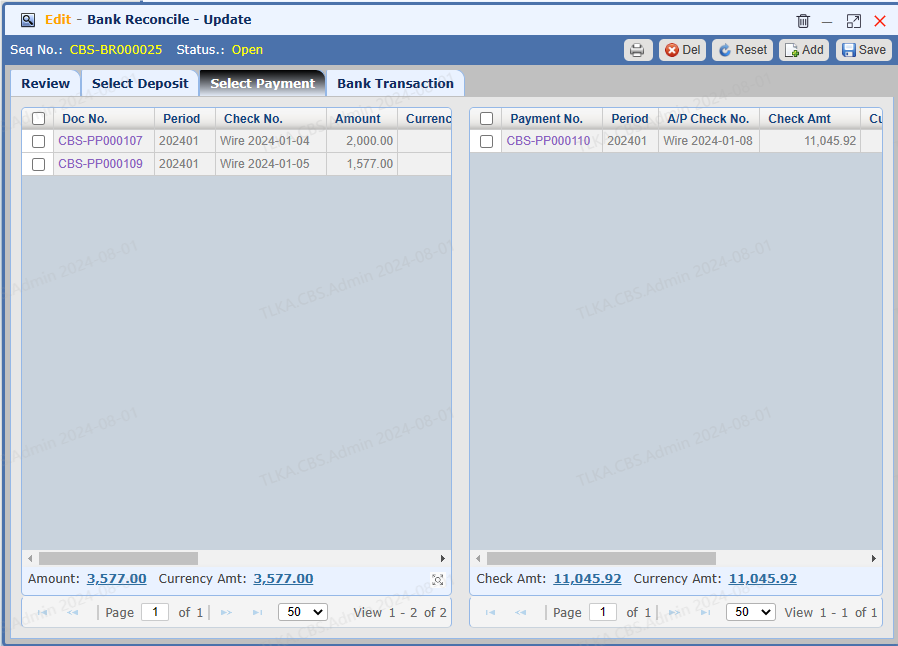
Select Payment 1. Left payment is not reconciled with bank, right payment is reconciled with bank 2. Tick the payment on the left, system will move it to the right side
|
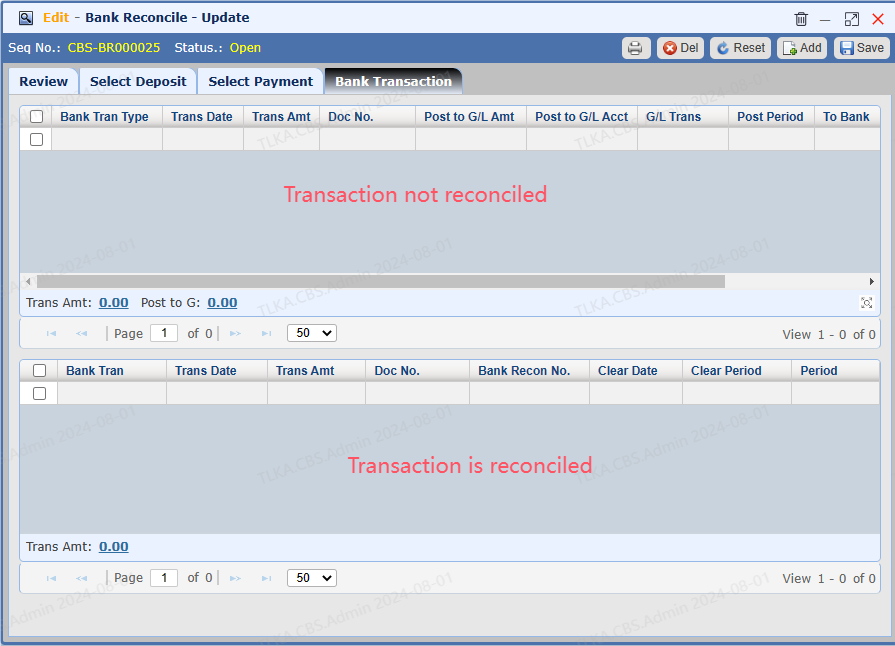
Bank Transaction 1. Upper part is not reconciled with bank, lower part is reconciled with bank 2. Tick the transaction on the upper part system will move it to the lower part
|
Process Reconciliation Click 【Process Recon】 to complete the reconciliation
|
Amendment After the reconciliation is post, you need to 【Undo Recon】 first before you make amendment |