How To Create An Address?
There are two ways to create an address:
1. Manually enter the address
2. Build an address through AI recognition
Manually Enter The Address
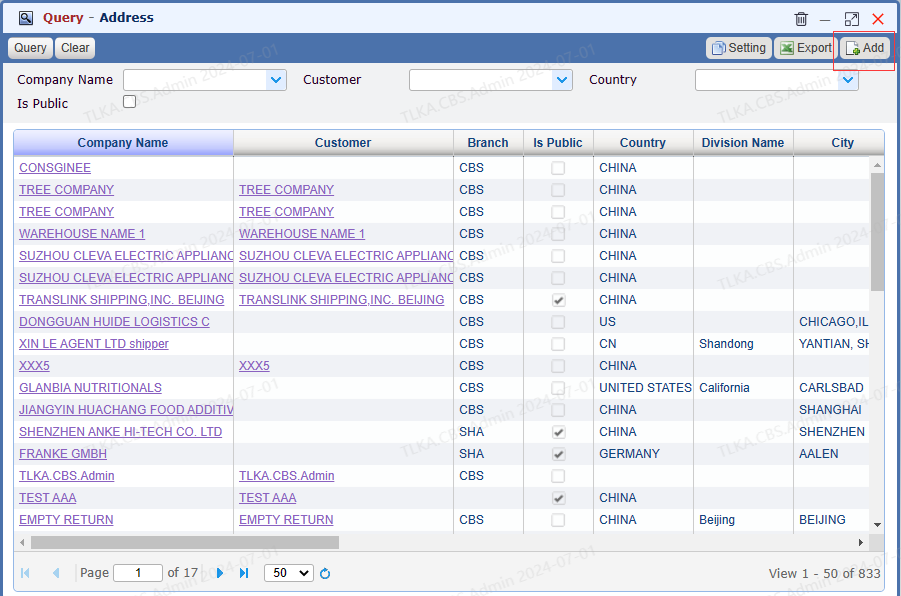
Go To Menu 【 File > Query Address】, click button Add
|
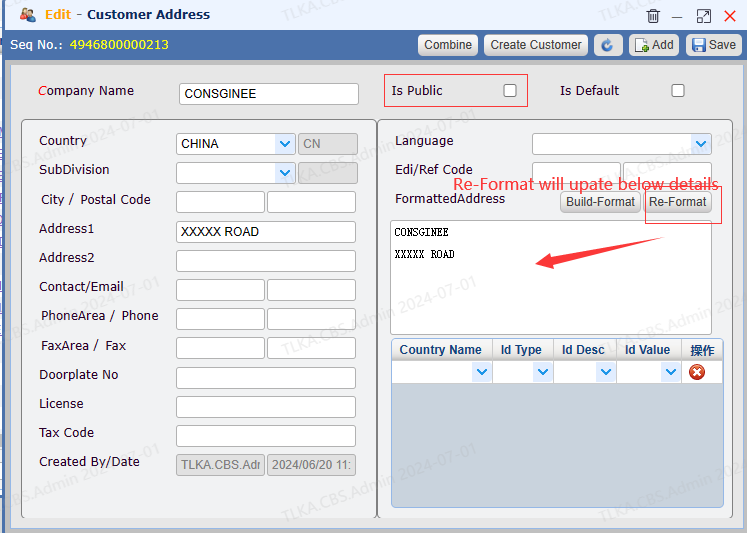
Enter The Address Details
Enter the address details Click Save button
* If the box Is Public is ticked, all branches under the group can use this address. If the box is not ticked, it will be available for current branch only.
* Re-format: if you have made any changes on the left area, click the button Re-Format will update the address details
|
Build An Address Through AI Recognition
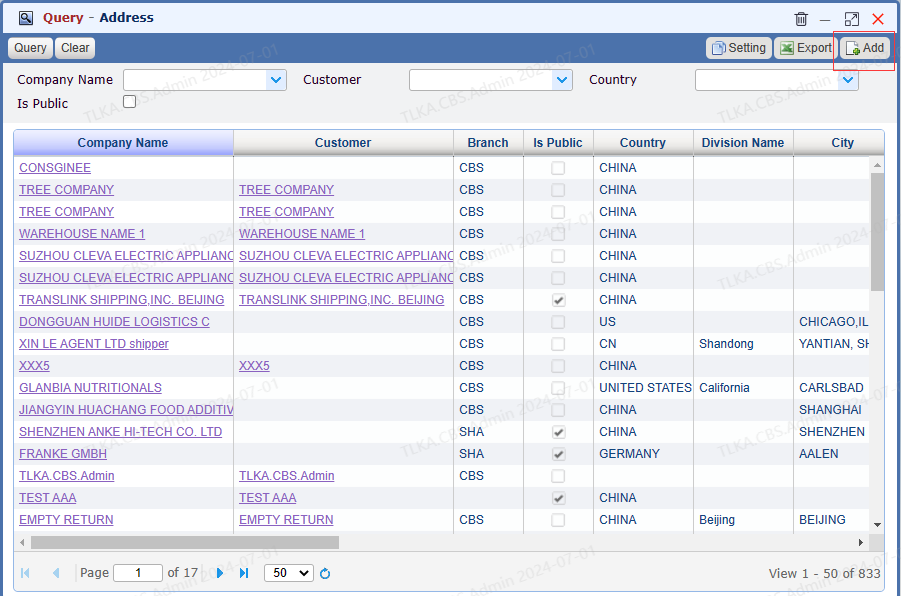
Go To Menu 【 File > Query Address】, click button Add
|
Build An Address Through AI Recognition
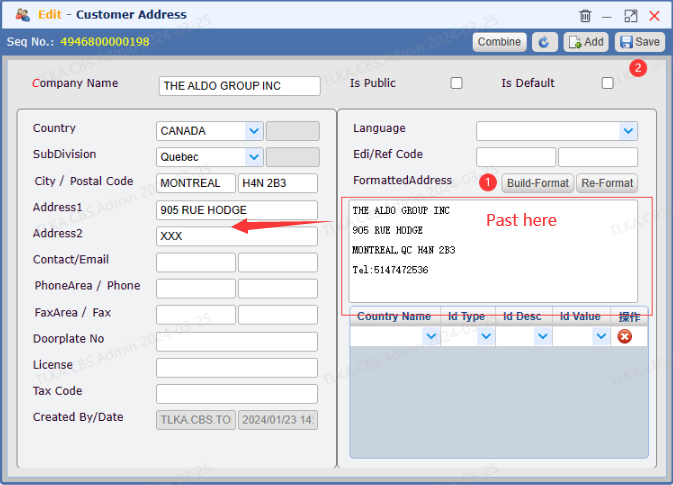
Copy an address and past it directly to the Formatted Address area, then clcik 【Build-Format】, AI will automatically recognize the address and split it into Company Name, Address 1, Address 2, Contact/Email, Phone... Click 【Save】 button
|
