更新时间:2024-06-26
System provides a variety of reports covering shipment forms, financial reports and data reports.
There are two ways to print out a report:
1. Print out the report from printing window
2. Export data directly
Print out a report
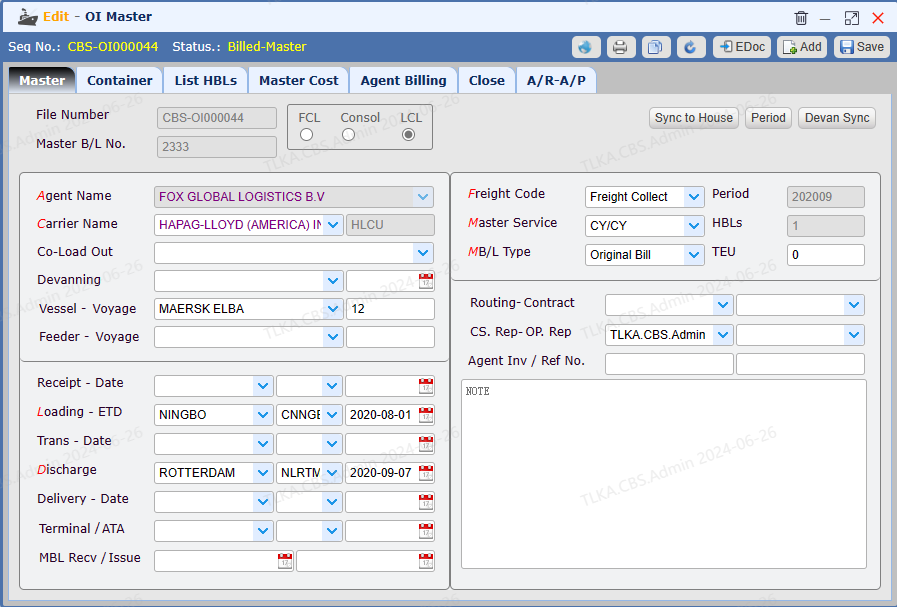
Open a window |* * Take OI Master window as example
|
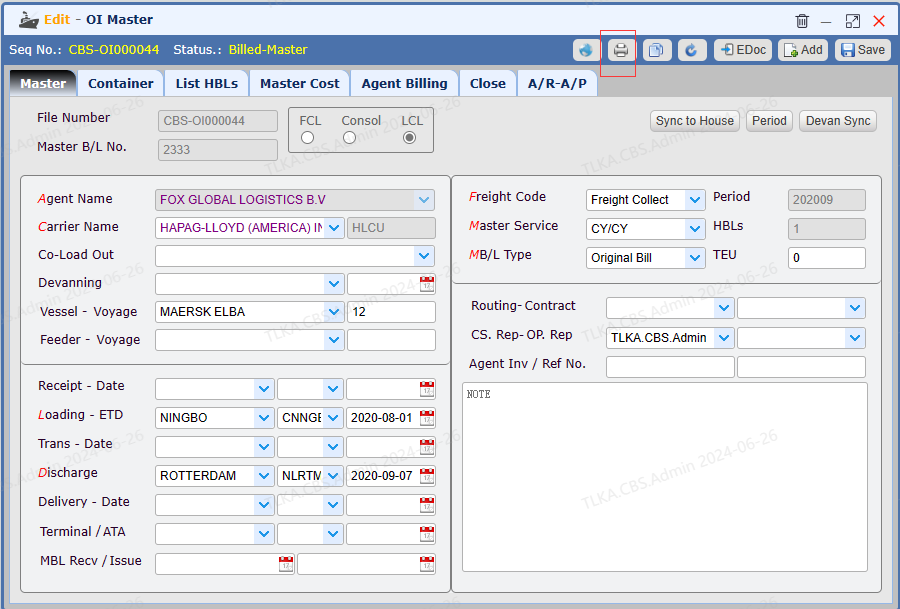
Open the printing window Click【Printer】button
|
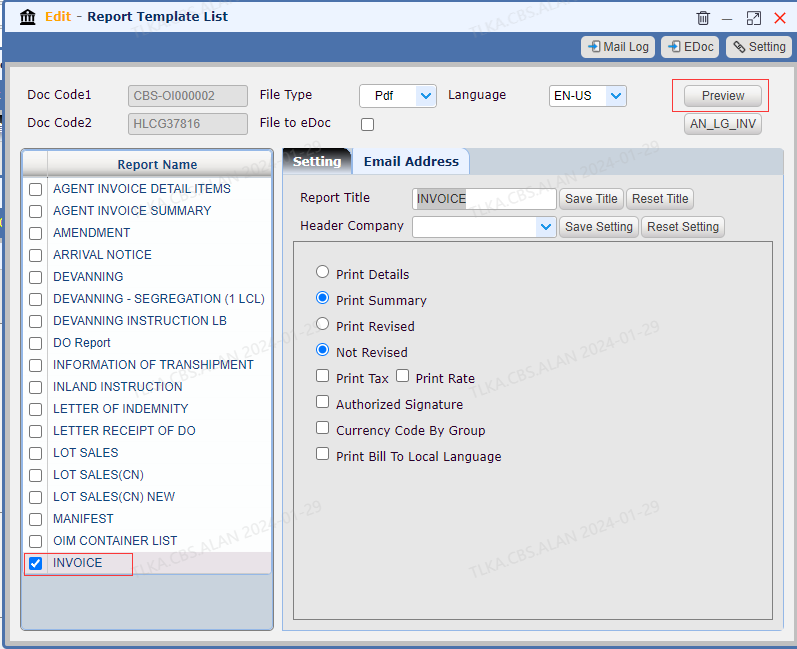
Print out the report
|
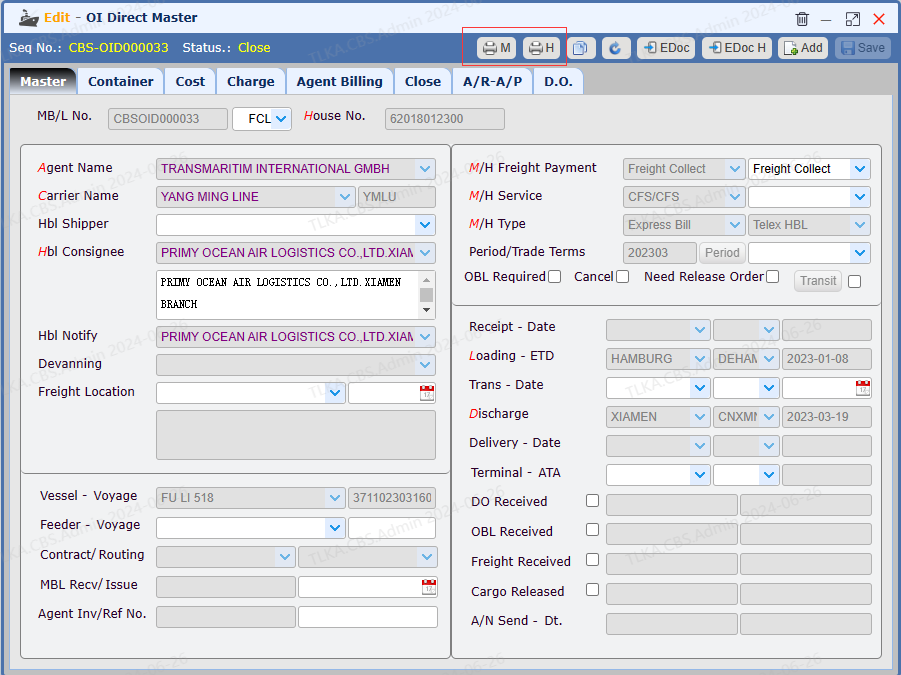
Special Case Direct master, it has two printer buttons: 【M】--print out Master reports 【H】 --print out House reports
|
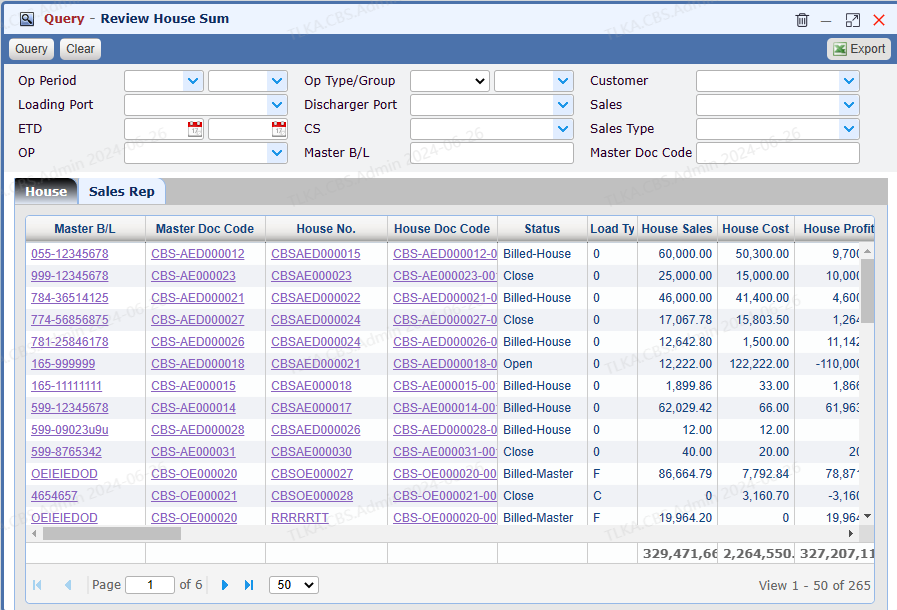
Open a query window |* * Take a house summary report as example
|
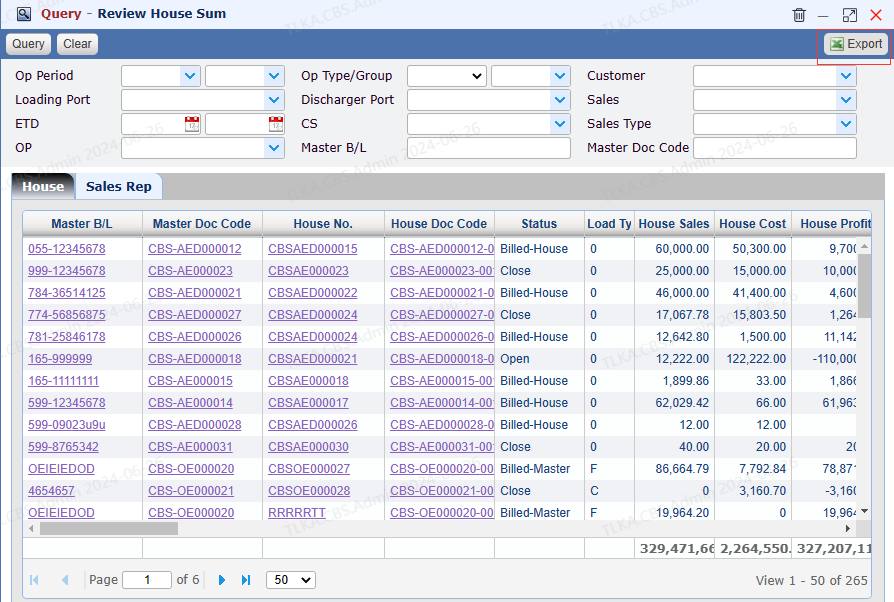
Export Data Click【Export】button will export current data as an excel file.
|