How To Record Carrier Booking?
Once shipper booking is received from customer, users may need to send booking to carrier
Create Carrier Booking
| Go To Menu 【 Booking > Enter Carrier Booking - Air】
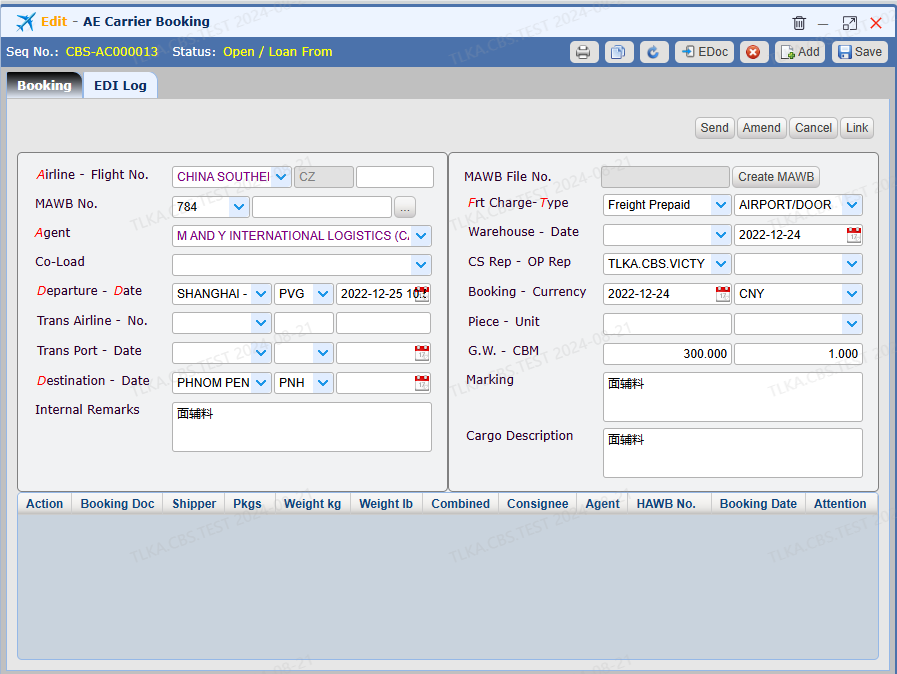
Enter Airline and Flight Number Select Agent Select Departure Airport and ETD
Select Destination Airport Select freight charge type
Select service type Enter cargo details Save
* All fields with drop-down button must be selected from the drop-down list * Fields with red letters must be supplied
|
| EDI Booking
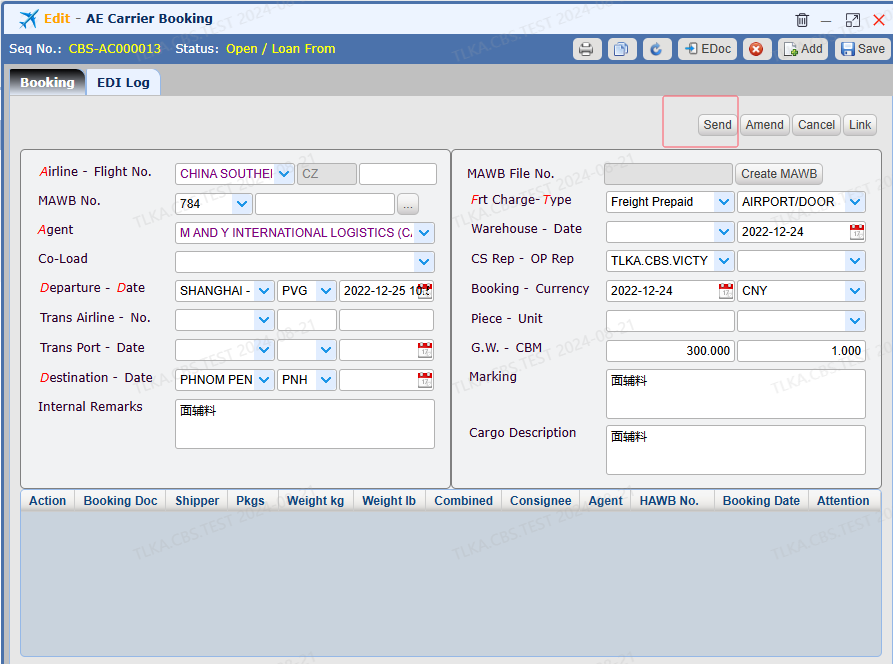
Clicking【Send】 will send the booking to the carrier
* EDI function requires to work with carrier before putting into use
|
