更新时间:2024-07-25
Go To Menu 【A/P > A/P Cost Direct Entry】 |
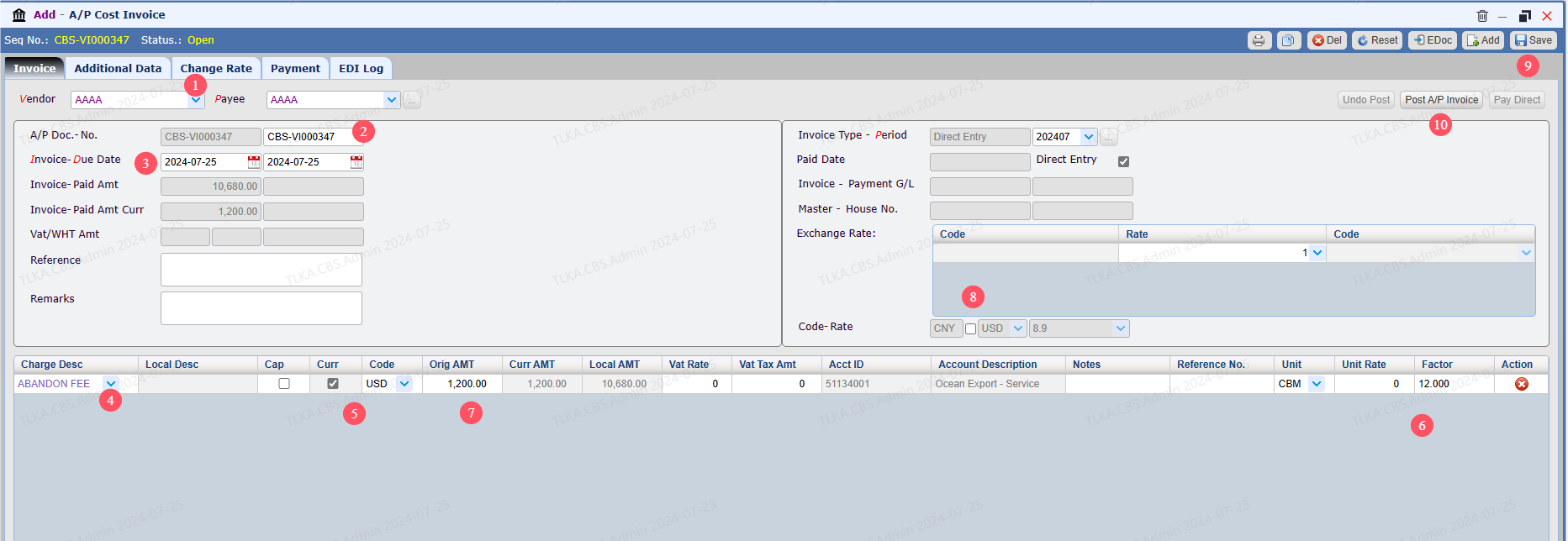
Record Cost Details
8. Invoice currency, tick the box, the invoice will be a foreign currency invoice 9. Save 10. Post A/P Invoice
|
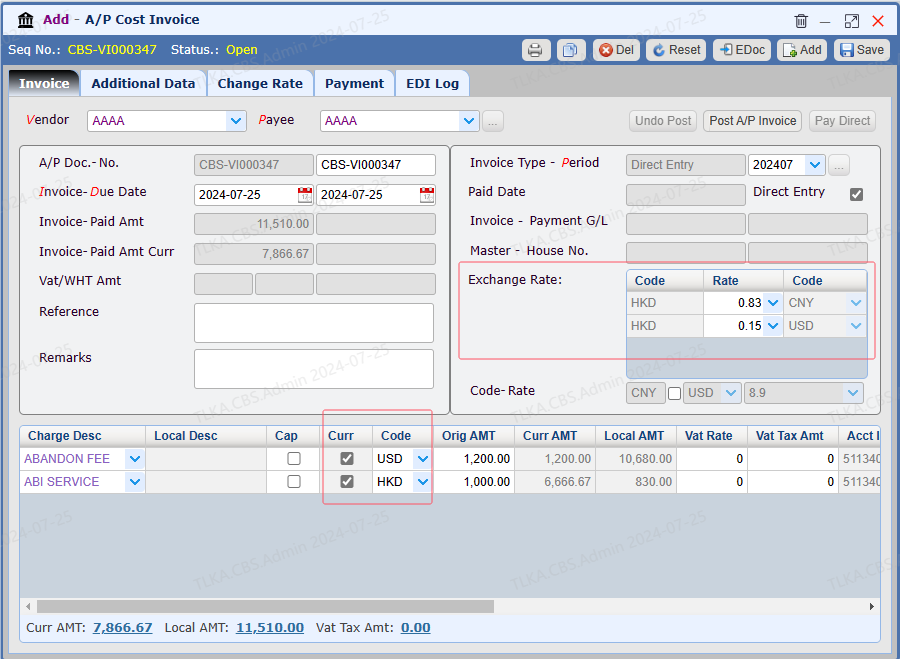
Record Cost Details For Multi-Currency Under some business scenarios, it requires to record more than 2 currencies. Below we will use 3 currencies to illustrate how to do it. Accounting Currency: CNY Foreign Currency 1 : HKD Foreign Currency 2 : USD
|
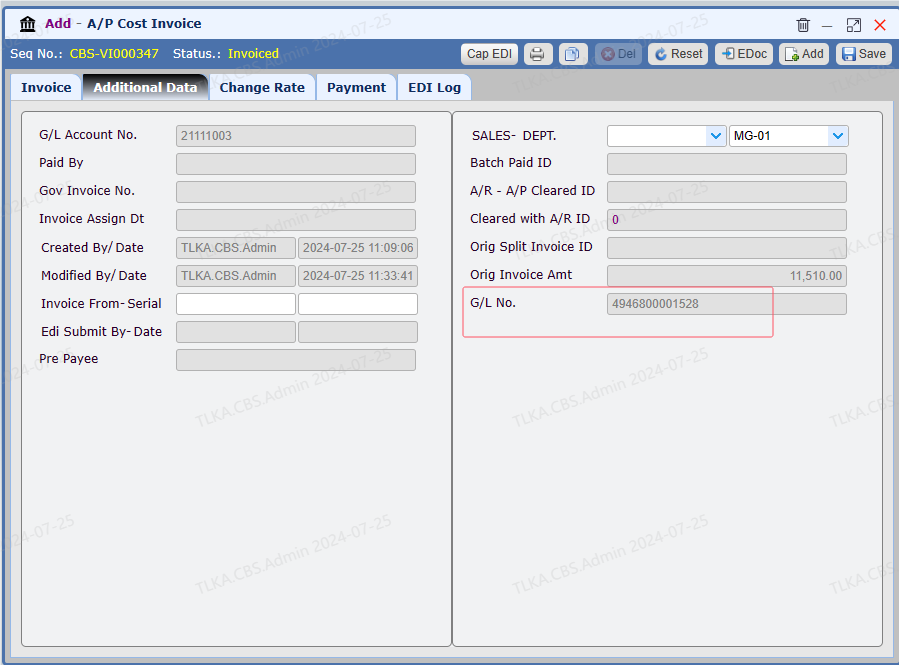
Instructions for Other Tabs 1. Switch to tab 【Additional Data】, you can check more details 【G/L No.】: click G/L number, system will direct you to G/L details
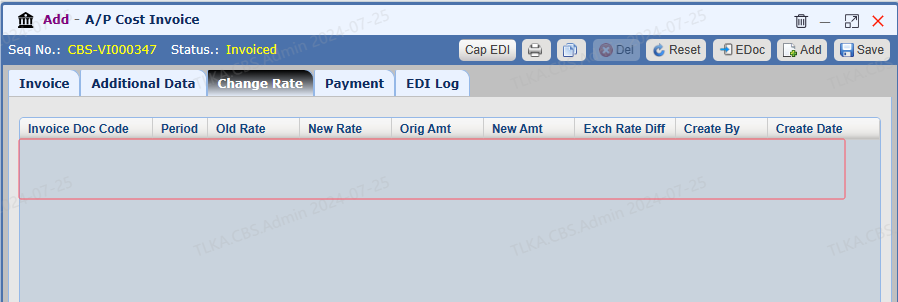
2. 【Change Rate】 displays the adjustment history of exchange rate
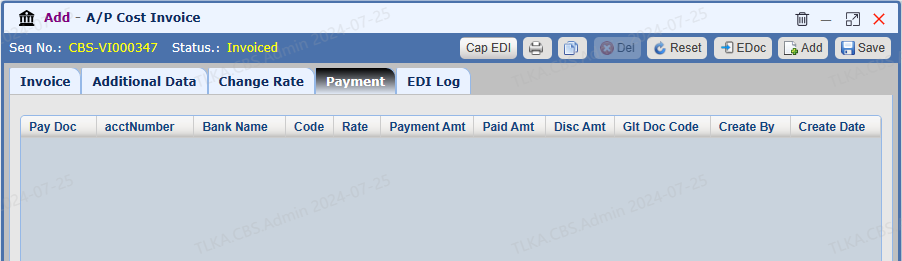
3. 【Payment】 displays the payment history
|