更新时间:2024-09-02
Manually Create A Direct MAWB
Go To Menu 【AI > Enter Direct MAWB】 |
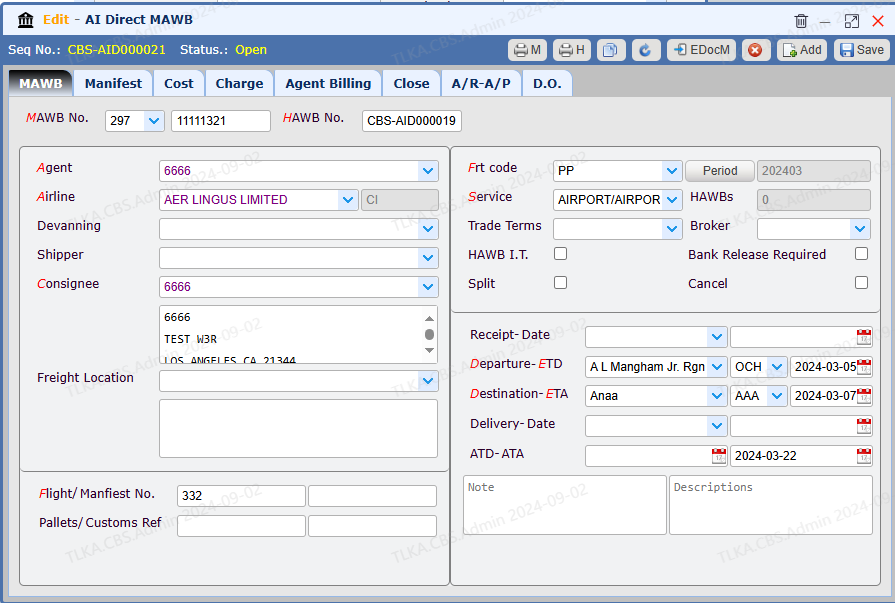
Record MAWB Information
|
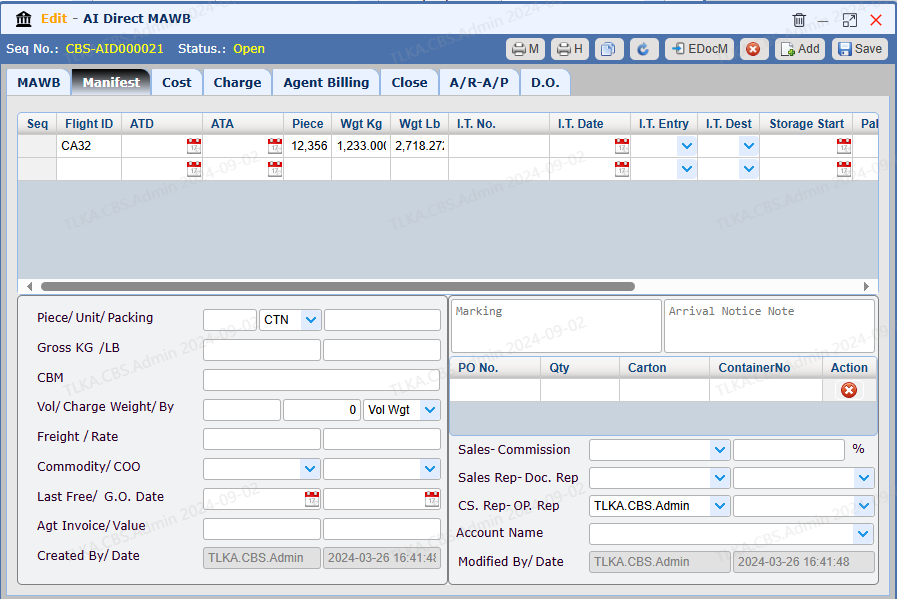
Record Manifest Details Record cargo details and save
|
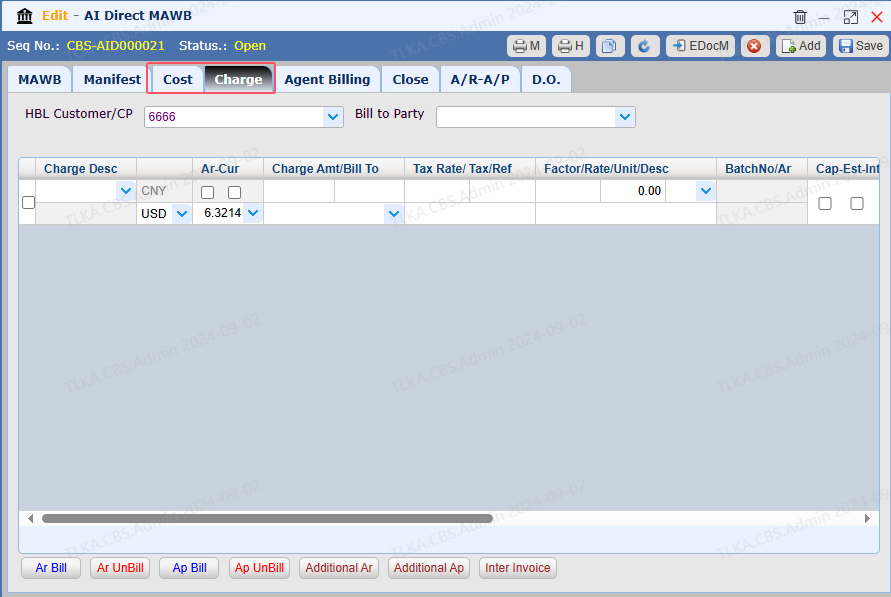
Record Charge and Cost, please refer to intruction 【Charge & Cost】
|
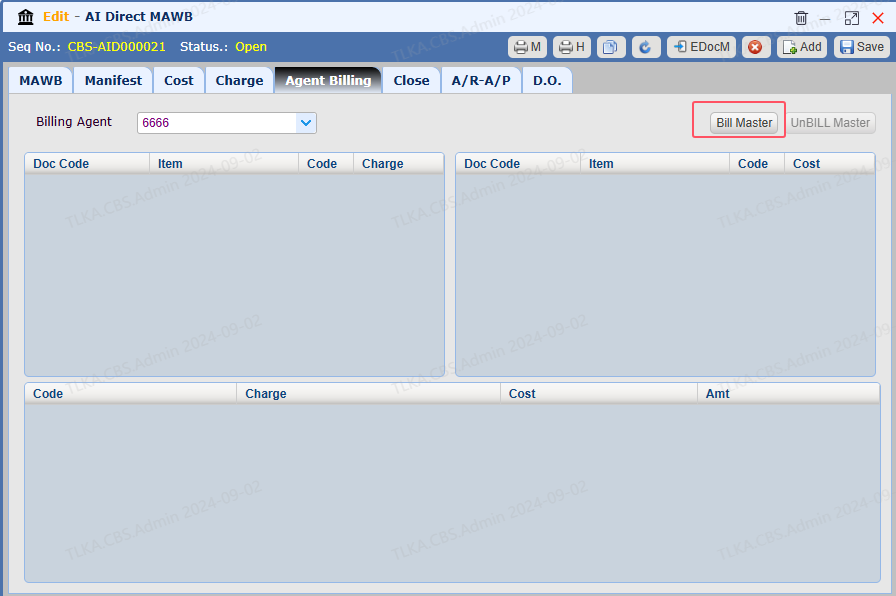
| Agent Billing, please refer to How To Bill Master
|
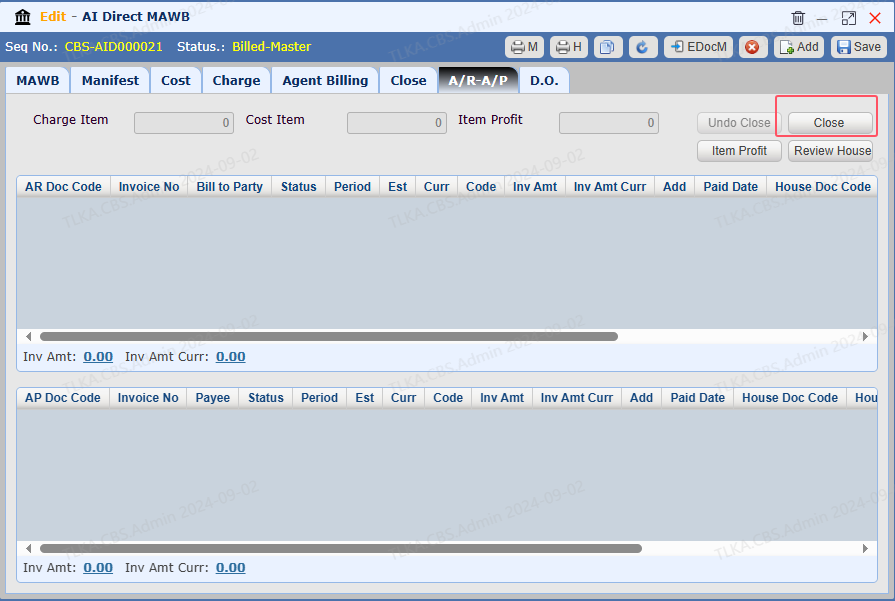
Close Master Once the Master is completed, the user is required to close it.
|