Set Up Exchange Rate
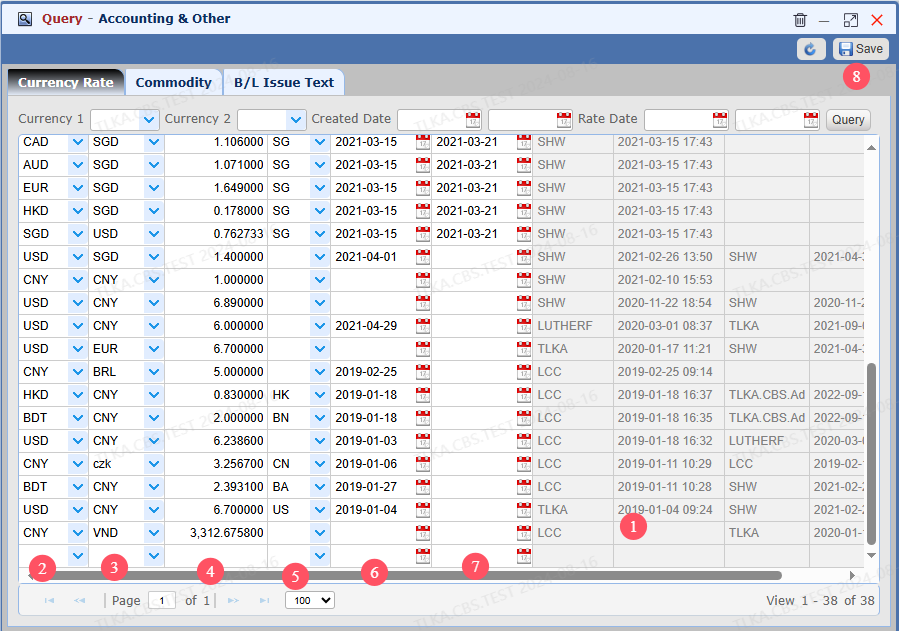
Scroll down and click on the last line, system will create a blank line Select the first currency Select the second currency Enter the rate Select country (Optional) | * * This table contains all rates under the group corporation, so we suggest users select country to give clear identifier Effective Date Expire Date(Optional) Save
|
