更新时间:2024-08-26
Once received booking from the shipper, users can record it into system
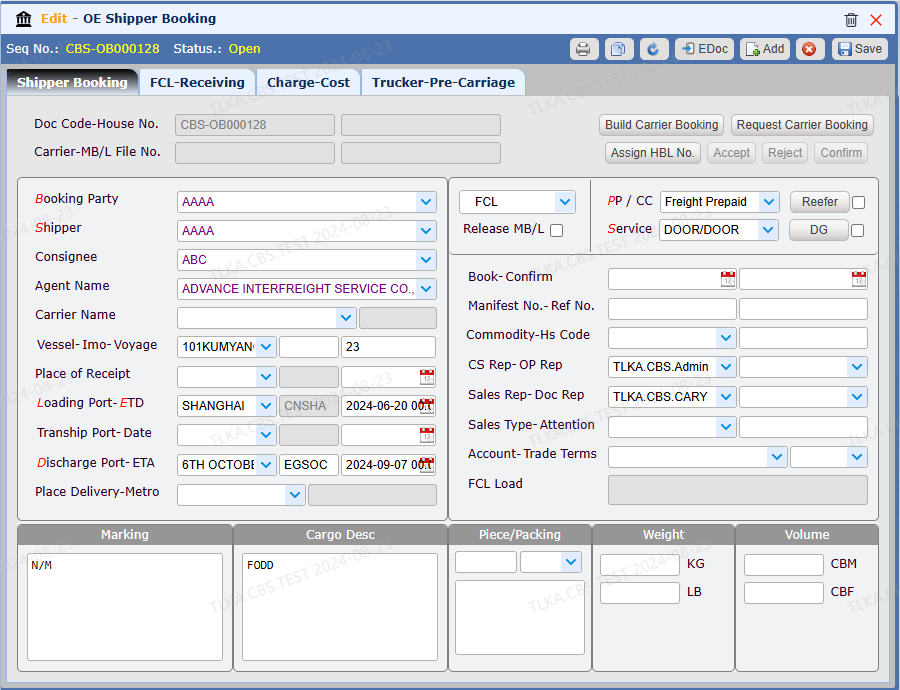
Record Shipper Booking
Enter Booking Party
Enter Shipper
Enter Vessel and Voyage
Enter Loading Port and ETD
Entere Discharge Port
Select Service Type
Save
* If there is drop-down button, the data must be selected from the drop-down list* Field started with red letter is required to enter
* If there is drop-down button, the data must be selected from the drop-down list
* Field started with red letter is required to enter
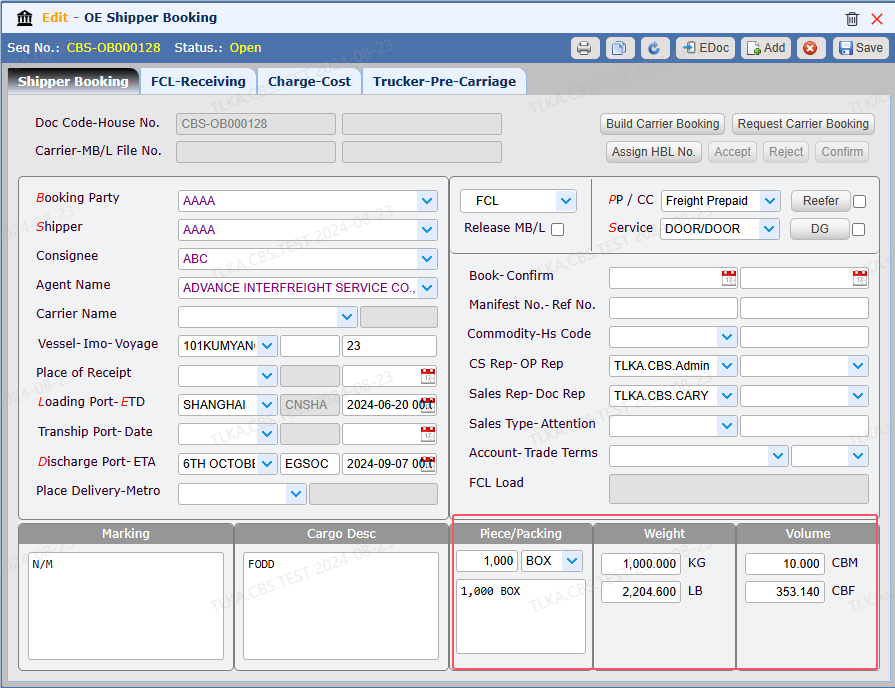
Enter Cargo Details
Enter piece, weight, CBM
Enter cargo description and Marking