Go To Menu 【 G/L > Set Up Accounting Calendar
|
Create Fiscal Year
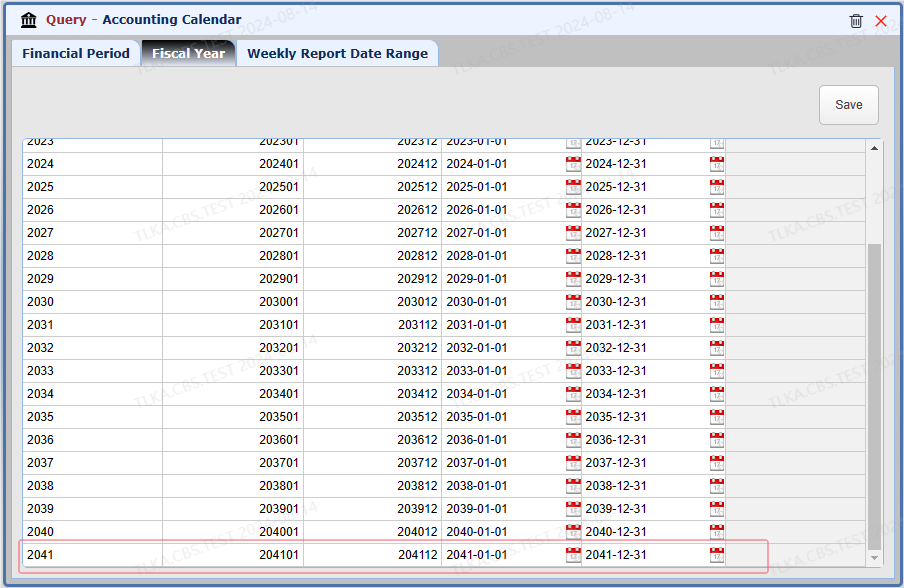
Scroll down to the last line and click the last line and system will create a blank line Record the fiscal year Save
|
Generate Period
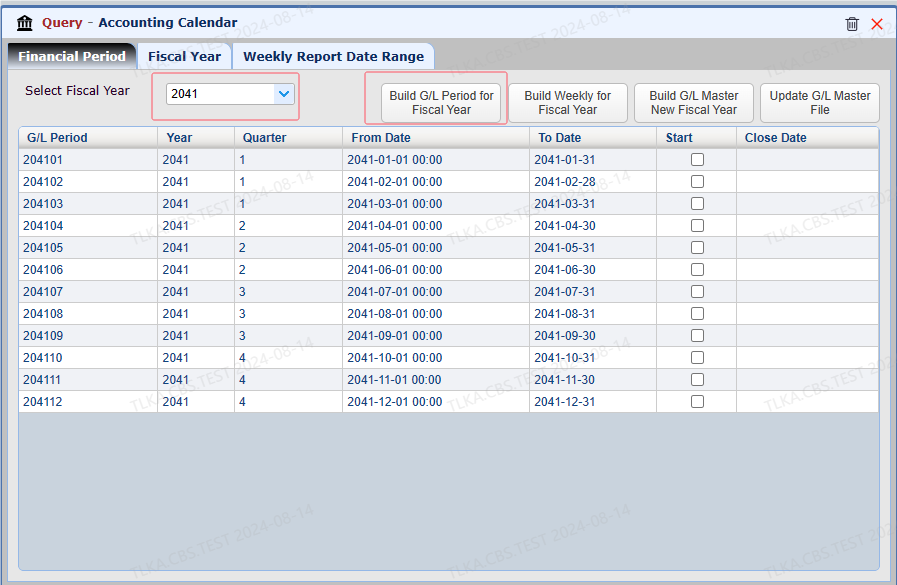
Select Fiscal Year Click 【Build G/L Period for Fiscal Year】, system will generate 12 periods
|
Build Weekly For Fiscal Year
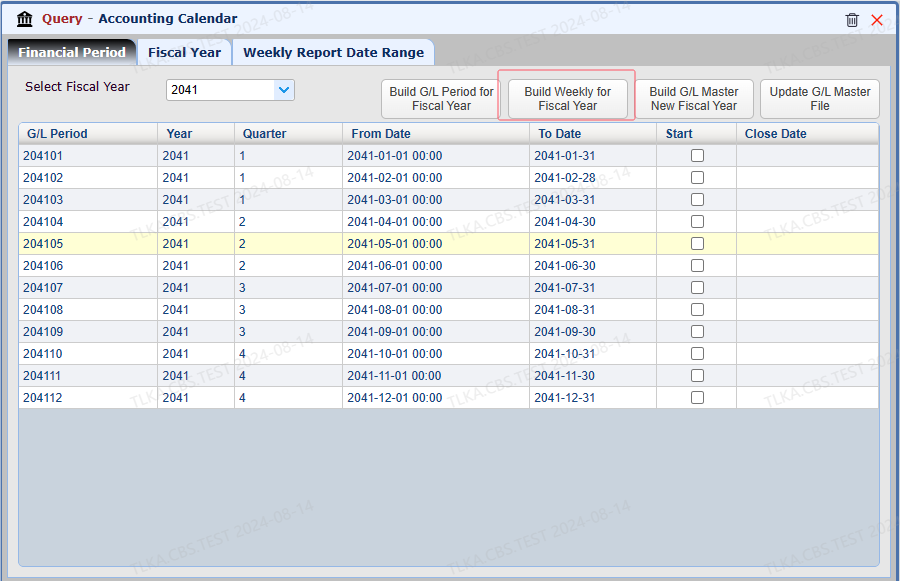
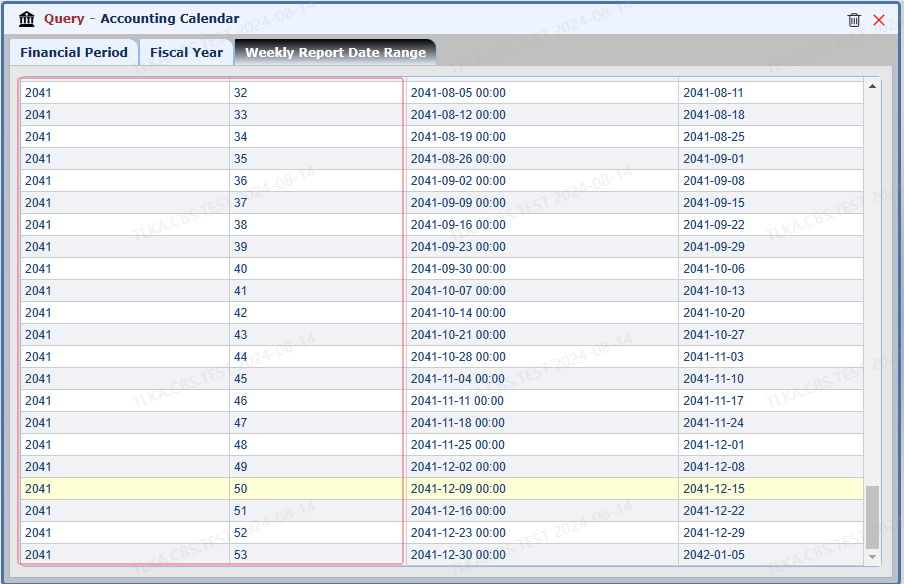
Select Fiscal Year Click 【Build Weekly for Fiscal Year】 to generate weeks Once the weeks are build, you can check it from 【 Weekly Report Date Rage】
|
